T
This guy 101
Senior Member
Am having An issue with this scene and was looking for some help on trying to fix it.
 Here is a link to the scene
Thanks in advance.
Loading…
gofile.io
Have you tried to see if it's an 'invisible character' with the jacket? Some scene makers use invisible characters to add clothing to scenes. It may also be a studio item.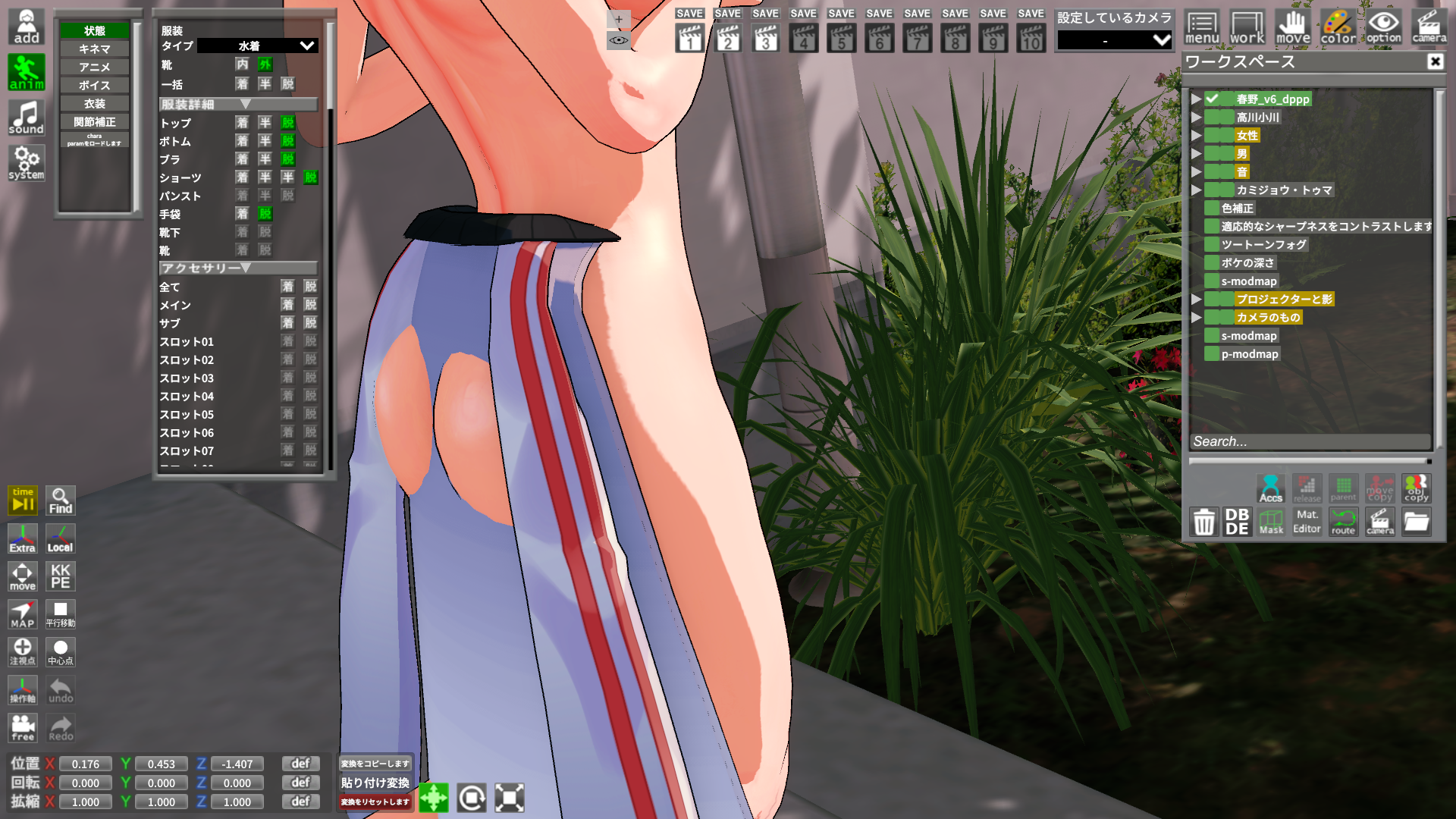
Does anyone know how to remove the jacket wrapped around her waist?
Even with all clothing and accessories turned off, it won't come off.
Changing outfits or switching to a different character card doesn't work either.
Reference SD: Harada 525
Does anyone know how to remove the jacket wrapped around her waist?
Even with all clothing and accessories turned off, it won't come off.
Changing outfits or switching to a different character card doesn't work either.
Reference SD: Harada 525
Have you tried to see if it's an 'invisible character' with the jacket? Some scene makers use invisible characters to add clothing to scenes. It may also be a studio item.


??Koikatu! - Questions & General Discussion
Koikatu! - Questions, General Discussion, Technical support.kk.now.cc

Try adding a yellow image to the “Body alpha mask” in the TOP section.
Let me ask the same question again.
How do solve this problem?

i'm not have that yellow one.Try adding a yellow image to the “Body alpha mask” in the TOP section.

He means it literally. It really is just the default ms paint yellow image 😂 Here dude, just right click save this onei'm not have that yellow one.




That isn't a scene file to begin with.Hello, does someone know this scene doesn't work? I'm the only one with this problem, or is it the image that is corrupted?
There are various reasons why a model might become distorted, so I’ll skip those here.
I just installed yutabe scenes, why are the body deformed like this? other scenes work fine just yutabe that are bugged

I had similar problem to yours back then but that is mostly because of outdated plugin. I updated with HF patch and ran a test in character creation and studio, doesn't have any problem for me nowhey everyone hope you guys are having a good day,
I have a problem with accessory loading specifically the show selection button when selecting coordinates after i disable an accessory thats empty or an accessory i dont want it wont load it and it says "failed to load coordinate" because of maddevil.kk.ass plugin found on character and then it locks the accessories which forces me to either replace the entire outfit which we dont want or just manually take every accessory and place it on the character i want, is there any way i can fix this problem?
I tried to download the image as a PNG, but it still doesn't workThat isn't a scene file to begin with.
It has a .jpg file extension, so


I forgot to type. Upiuu's card originally is for KKS so convert it and see how it goes.Anyone knows why this happens texture error happens? I'm using upiuu's cards
Ohhhh I didn't know that. Alright thank you for your quick reply dude!I forgot to type. Upiuu's card originally is for KKS so convert it and see how it goes.

 i got this for a while now on most if not all card's i use after changing the body/face shader's with ME Clipboard and have been looking for a fix on the koi discord and some other side's but nothing that i found helped~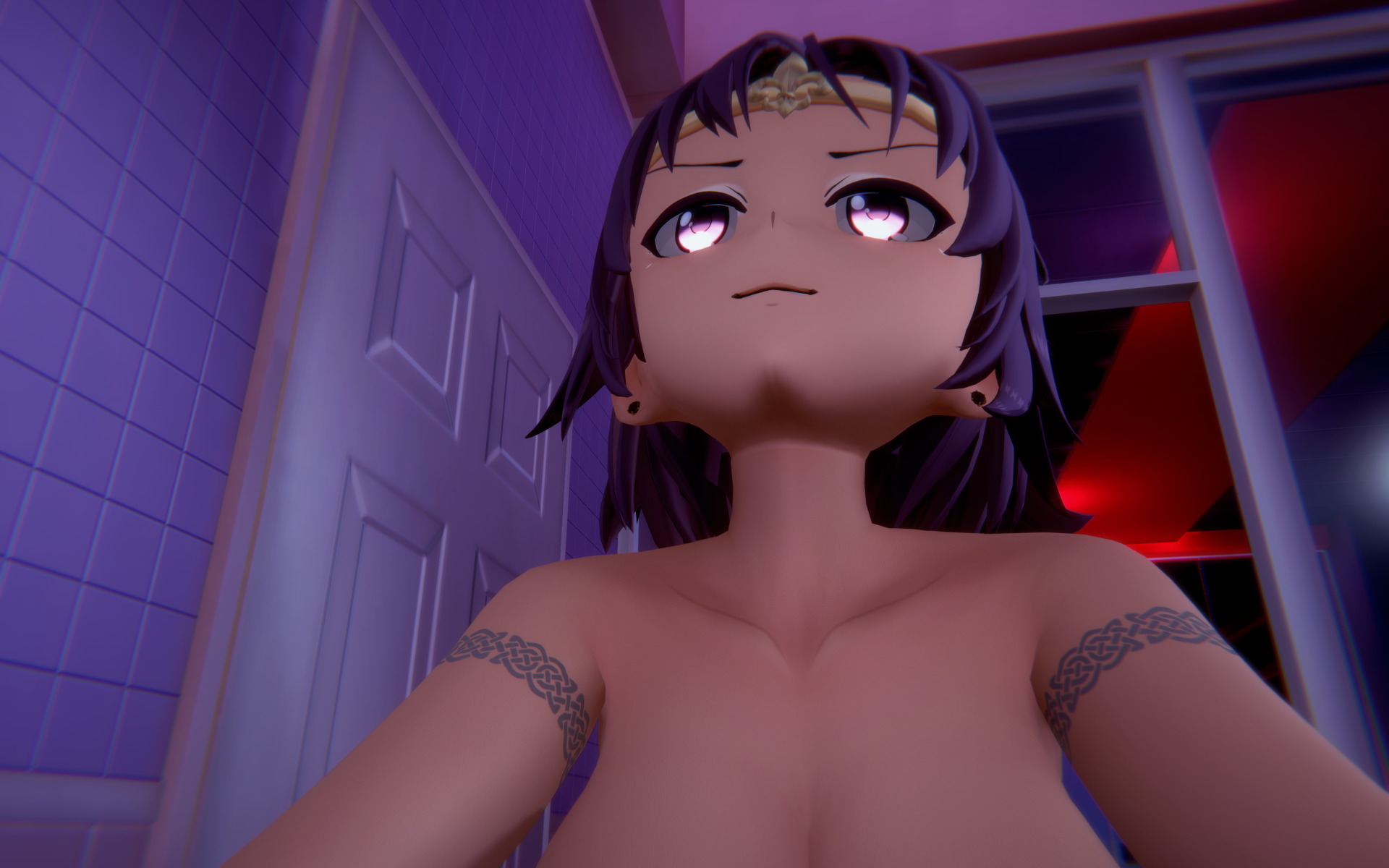
The body and the face is always separate things in material editors so you just gotta match the color manually either face or bodyi need a hero that can help me with this "face skin color doesn't match the body skin color" problem
The body and the face is always separate things in material editors so you just gotta match the color manually either face or body

I encountered a similar issue before, and doing this fixed it for me.playing around with the slider's that effect color for the face/body is the first thing i did but it doesn't help at all... i get the feeling that there is some plug in that effect's the face color in a weird way similar to how the "better scaling" plug-in can mess up animation's or how the "picture-in-picture" plug-in crashe's studio after loading a couple of scene's


I am getting this too, seems like a memory leak issue. I wish I knew how to fix ithas anyone had an issue with VRAM filling up when changing the scene a couple of times? My VRAM fills up from 2GB to 12GB usage after just 10 11 scene switches. Any way to fix this? (i have to restart the whole game)
Refer to my post here :Am I missing any mods or something? the mouth and other things are just moving/rendering fine. but whenever I try to go in-game or aside the char studio, the iris is always missing (specifically on this head mod).

In this case the headmod is basically a 3d model from the other game and it's configured to work like in the said game, so it will obviously have much nicer eyes (especially when closed) and work in a much better way with expressions since they are also customized by the person who gets them into KK, or at least that's my understanding since I have no idea how to get them into KK, but I know that you can get the texture from the game's 3d model and it will work without any issues (will still need some saturation/color/brightness adjustments).Hi guys I'd like to ask a question regarding Headmods. What is the main difference between lets say, a Moryne Alucid card and a Moryne Headmod card, lets say by Frankme? I like a lot of Alucid's WW cards, but when I discovered FrankMe cards, they somehow, "work" better in scenes? I cant really describe how it looks better (It might just be due to personal taste).
I tend to find FrankMe's headmods to be more expressive, more akin to how the original chars looked in-game (Could be a placebo effect). This made me wonder what headmods actually are, compared to normally made cards : O
I see! So thats why I felt like the expressions were much more in place with how they originally looked. Headmods are nice...., luckily I havent noticed the line on the neck on some of my headmod cards. Thanks for the explanation!In this case the headmod is basically a 3d model from the other game and it's configured to work like in the said game, so it will obviously have much nicer eyes (especially when closed) and work in a much better way with expressions since they are also customized by the person who gets them into KK, or at least that's my understanding since I have no idea how to get them into KK, but I know that you can get the texture from the game's 3d model and it will work without any issues (will still need some saturation/color/brightness adjustments).
When it comes to the default KK head they just looks worse because to get for example nice eyes you need to really play a lot with the sliders and that will usually break how it looks like when they are closed or when you switch the expression, the other issue is usually the top of the head (around forhead or the back and ears) which also looks not that great in the default KK's headmod.
But there's a single issue with the customized headmods (based on mods from other games), the neck will sometimes look very off, so you will see a line between the headmod and the body, sometimes even two (or it's always two, I have used GFL2 headmods only and those have the head mesh, then neck mesh and then there's the body). You can get around it by playing with shaders and stuff, but it will still be visible at certain angles (for example check those edited out cards that I posted, I tried to fix that issue, but it's still far from perfect).
What are the most common reason? half the scenes I downloaded are distortedThere are various reasons why a model might become distorted, so I’ll skip those here.
There are also various ways to fix it:
・Try the T-pose
・Adjust the position of the arms and legs yourself
・Disable nodes that are constrained by node constraints
・Try the T-poseWhat are the most common reason? half the scenes I downloaded are distorted
It's supposed to be about 3 minutes long, but is it only 1 minute and 30 seconds?Hi guys, I'm trying to use a scene from YuukiS, the one with Marin and the photo but I don't know why, it's missing like half the animation, it simply doesn't play or run. Is this an issue with my mods or something? I don't get it. Enabling or disabling stuff doesn't do anything.

Ah, no that's not the issue. What I mean is that the animations of the characters don't play, like, the male character doesn't move at all, it's just static. The female character moves with a lot of jank. If it wasn't because the timeline is full of hundreds of interpolation nodes, I would've assumed it was literally a WIP scene. I don't get it.It's supposed to be about 3 minutes long, but is it only 1 minute and 30 seconds?
Can't we adjust it here?
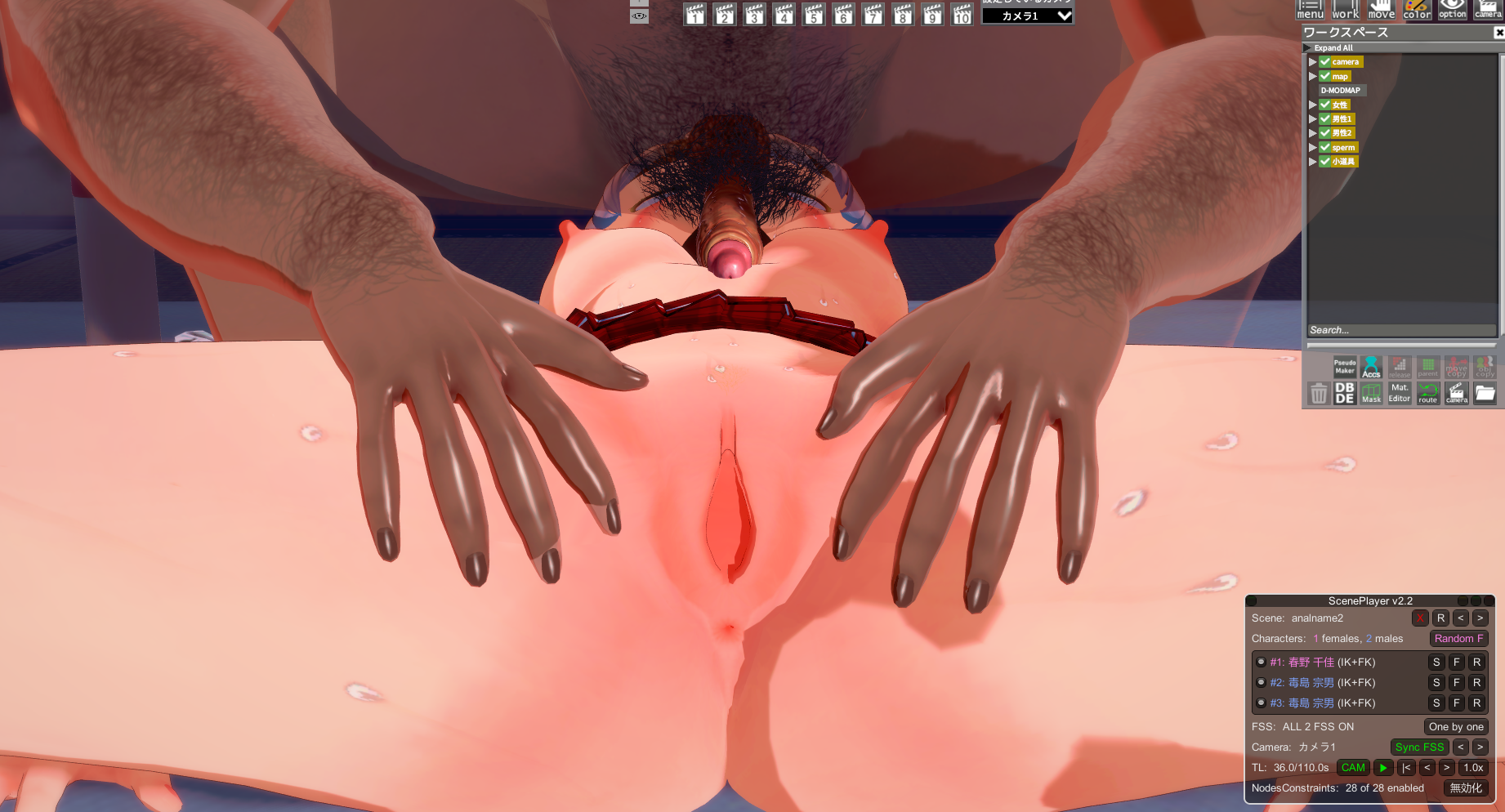
It's probably the plugin.Ah, no that's not the issue. What I mean is that the animations of the characters don't play, like, the male character doesn't move at all, it's just static. The female character moves with a lot of jank. If it wasn't because the timeline is full of hundreds of interpolation nodes, I would've assumed it was literally a WIP scene. I don't get it.