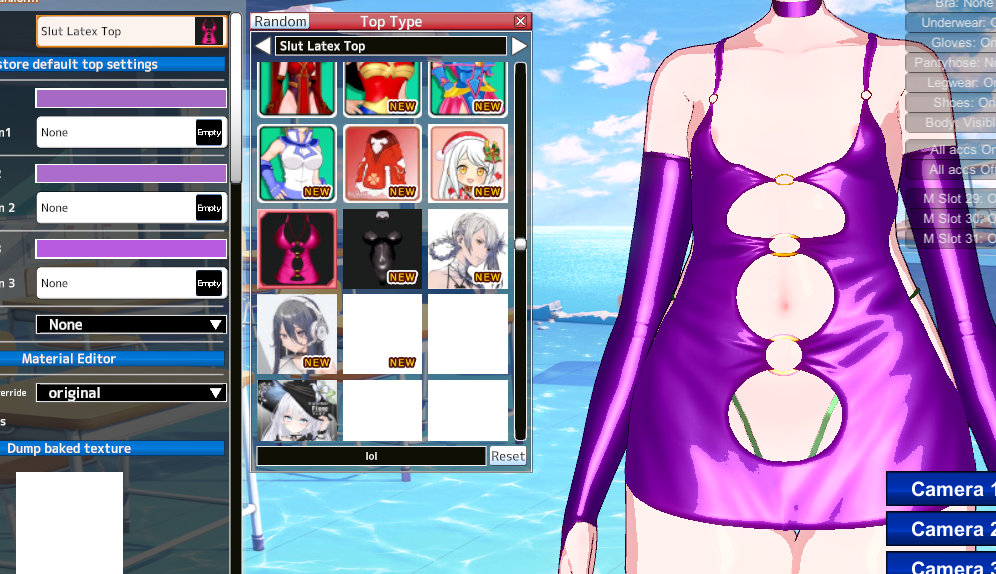
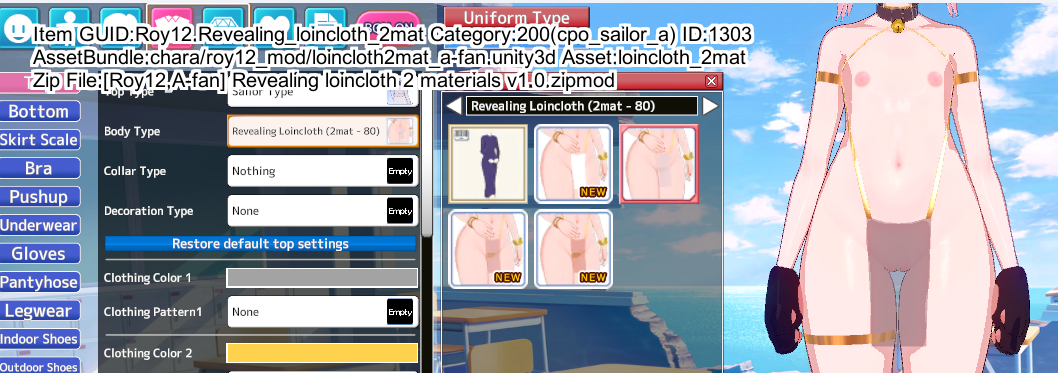
Just a quick PSA, there are a lot of new people posting images literally the size of my whole monitor, and it can really clutter the forum if they are visually massive (and if it's multiple images). You can use
Insert Image when you right-click copy image link. From there, insert the image and you can
resize it.
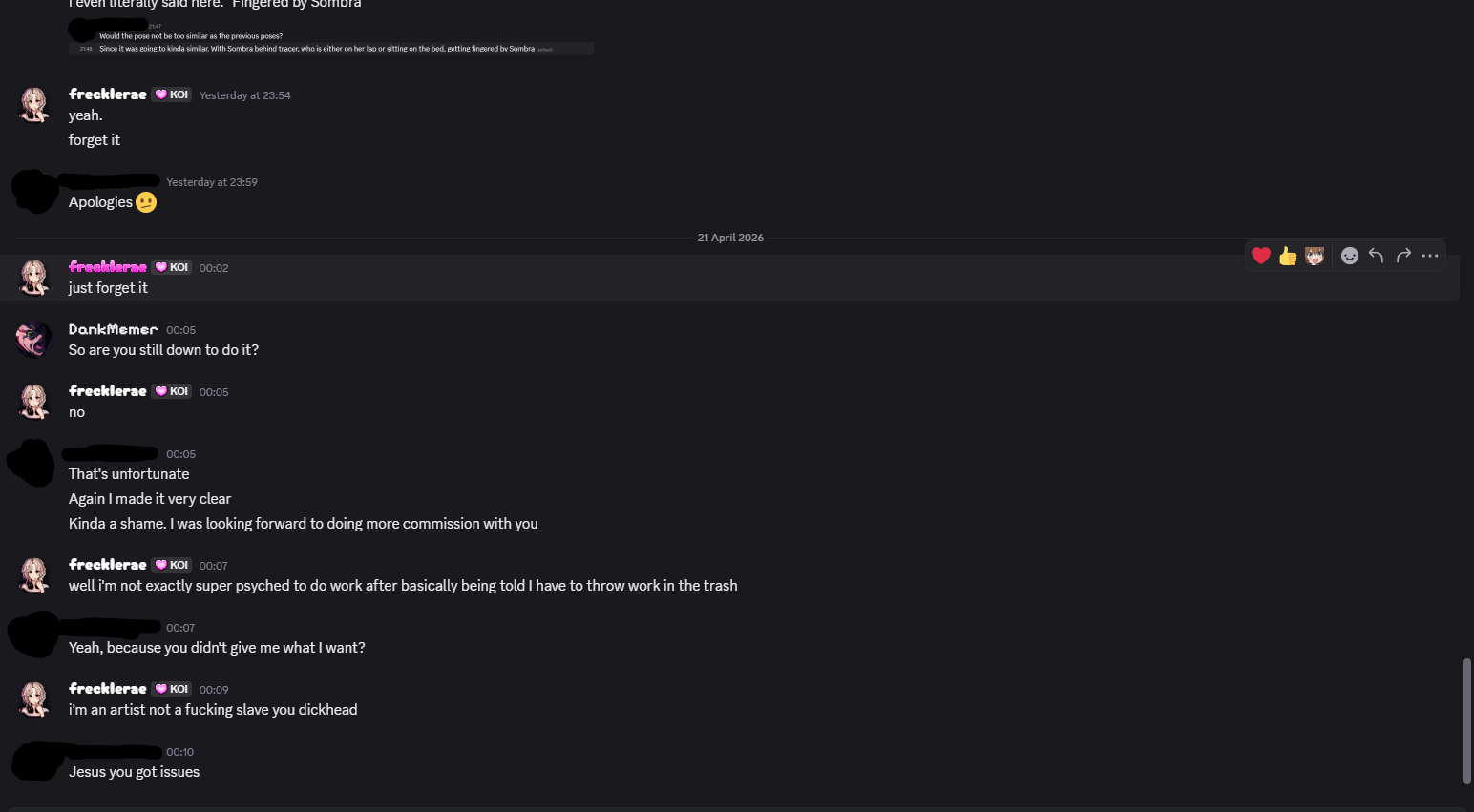
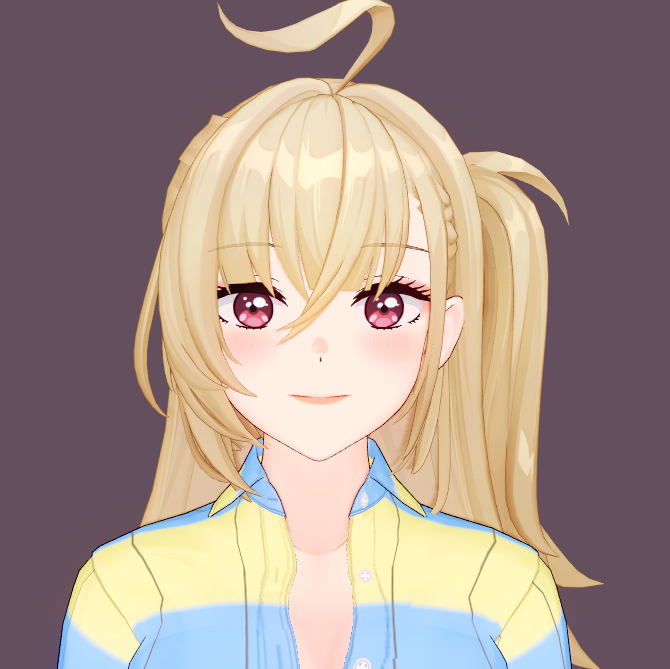
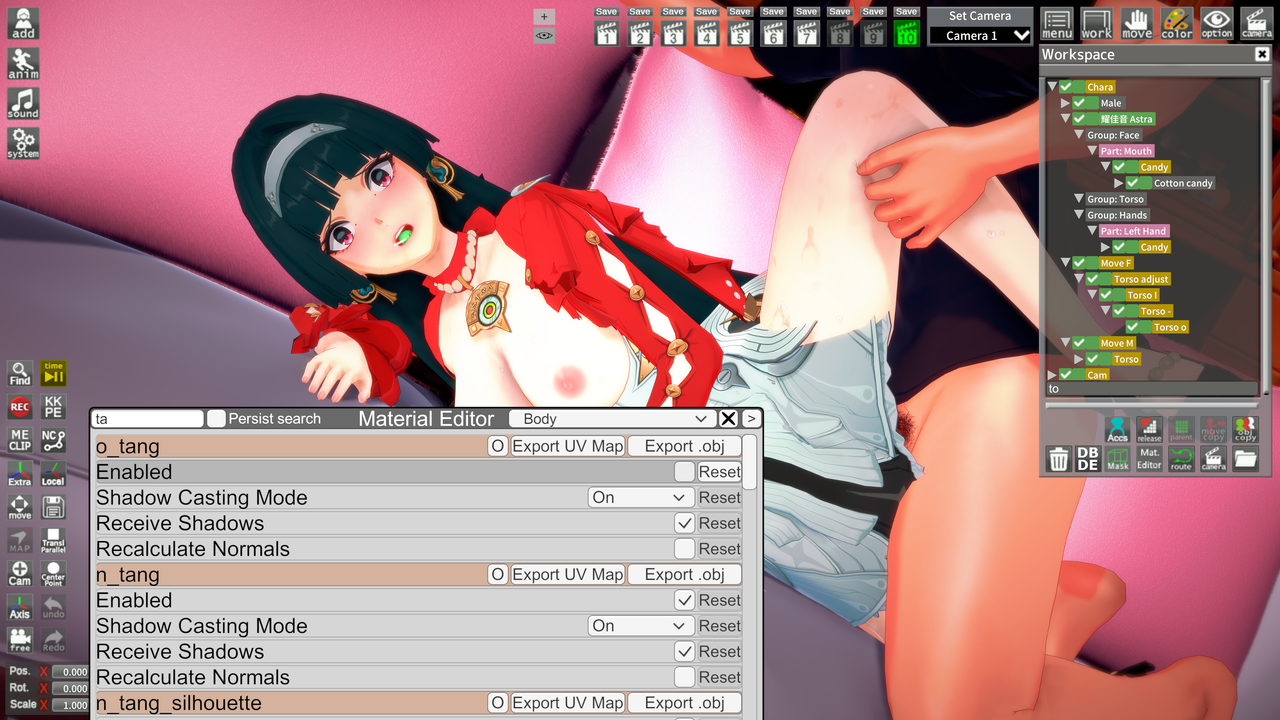
As seen here with the image editing options. However, if it's from pixiv or restricted source, it doesn't allow you to. So you end up copy pasting the image as is, but if you paste an image, it will look like this.
It works but it will be the original image size that you cannot edit. What you do is get the imgur link when you pasted it and put it in
Insert Image.
Then you can resize it. It also works with images from general screenshots or images from your computer. Kinda clunky, but it works when making a clean post for the forum experience.
Or just use the spoiler tag, that works too.