R
rudenshe32
Active Member
if you knew what i had to do to get those files, a quick file upload page its the least of the worries, if you dont trust the page just dont download, i might upload any other page but the upload is too sloow
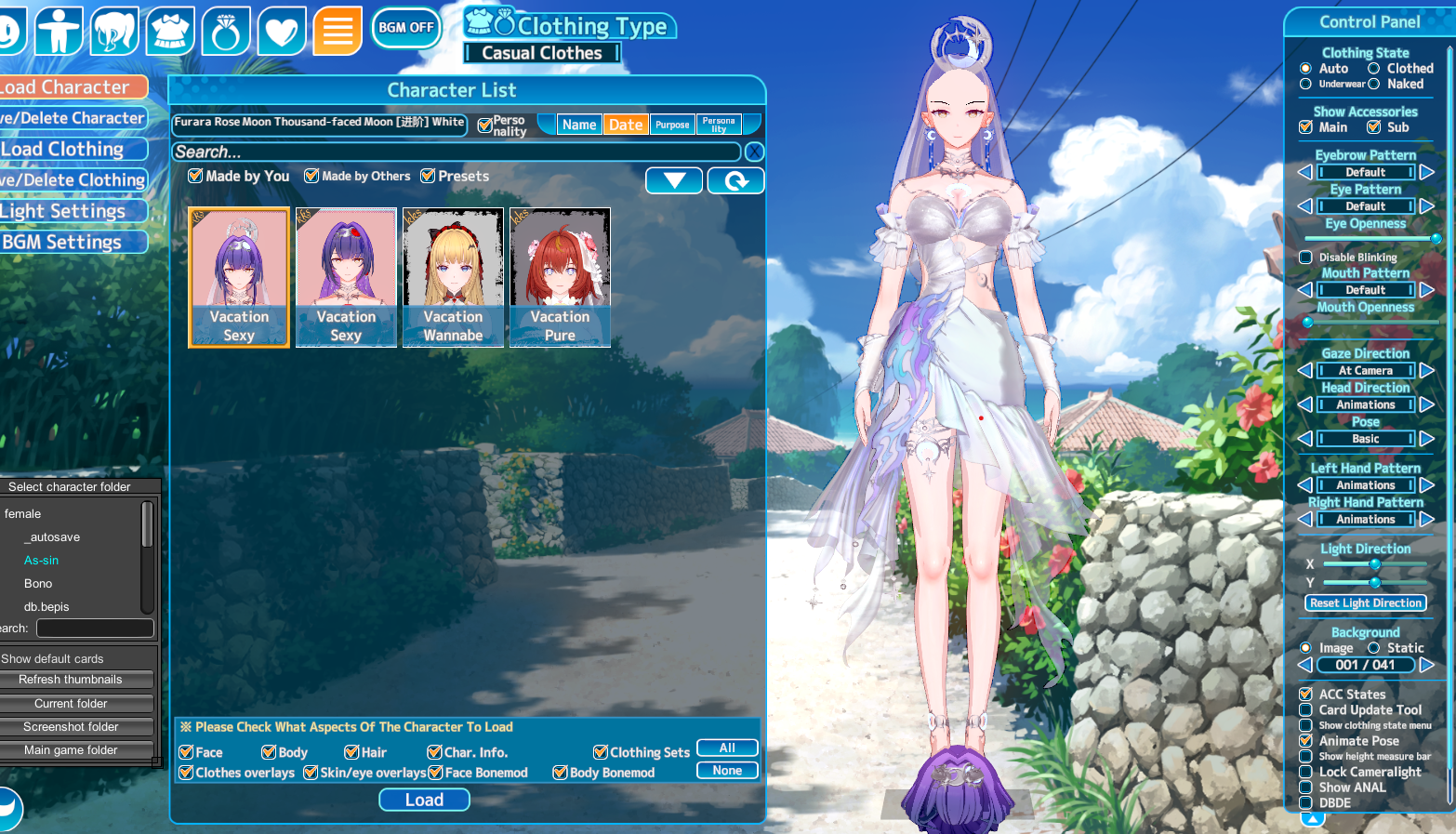
Drag and drop it into the studio
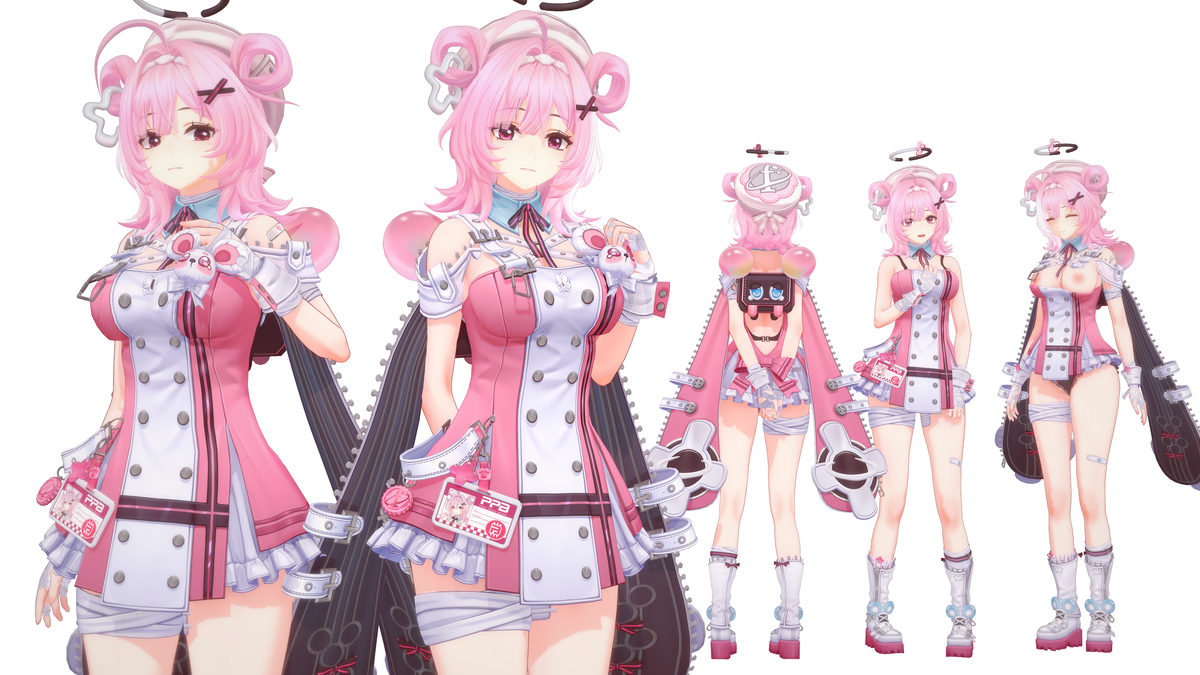
anyone has yubao Chinatsu ?
![]()
【キャラ】千夏 ちなつ Sunna
第一位千夏先出!哎呀哎呀这个我做的很开心,喜欢这类角色! 剩下两位偶像这个月应该也可以做出! -- CARD:https://www.patreon.com/user?u=88494293 国内afd:https://afdian.com/a/yubao1215324567 国内www.pixiv.net
Just ignore ppl like him. If somebody doesnt know how to use these sites and not click random other shit that appears there, it is their problem.if you knew what i had to do to get those files, a quick file upload page its the least of the worries, if you dont trust the page just dont download, i might upload any other page but the upload is too sloow
![]()
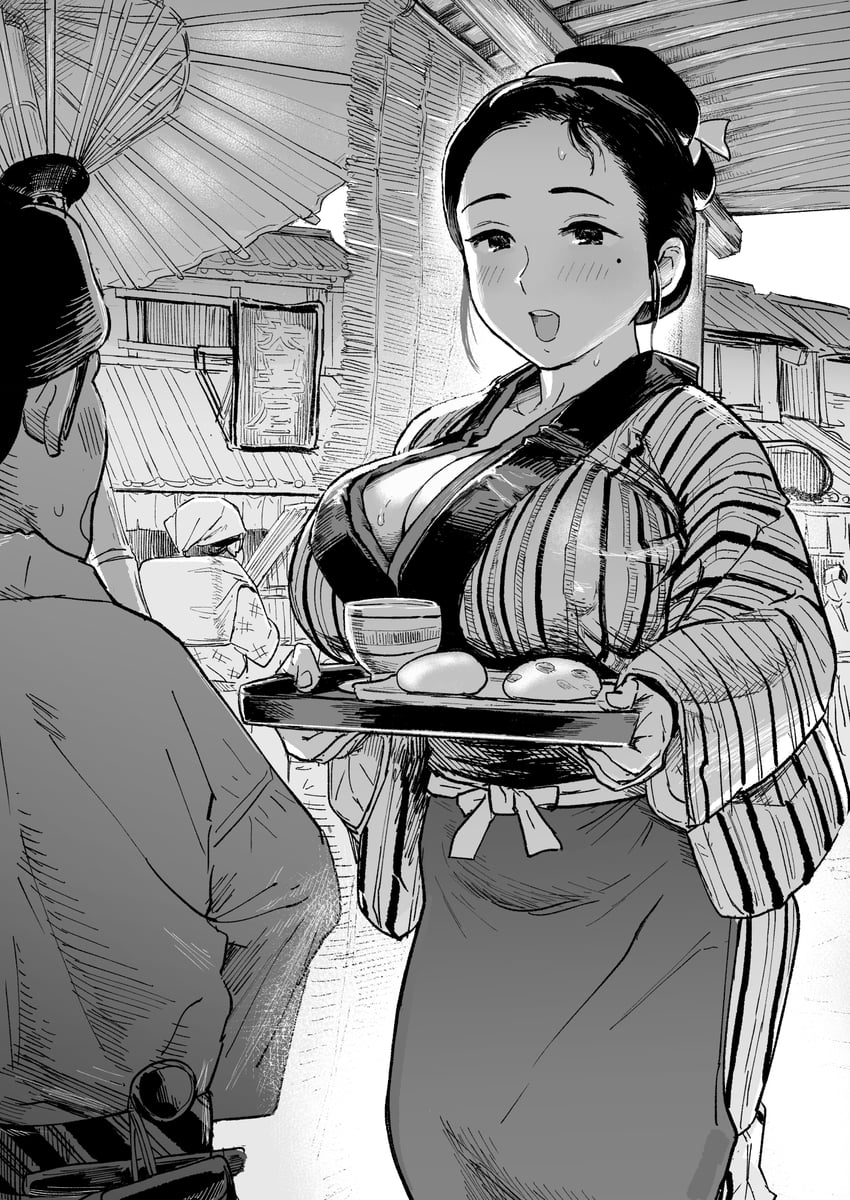
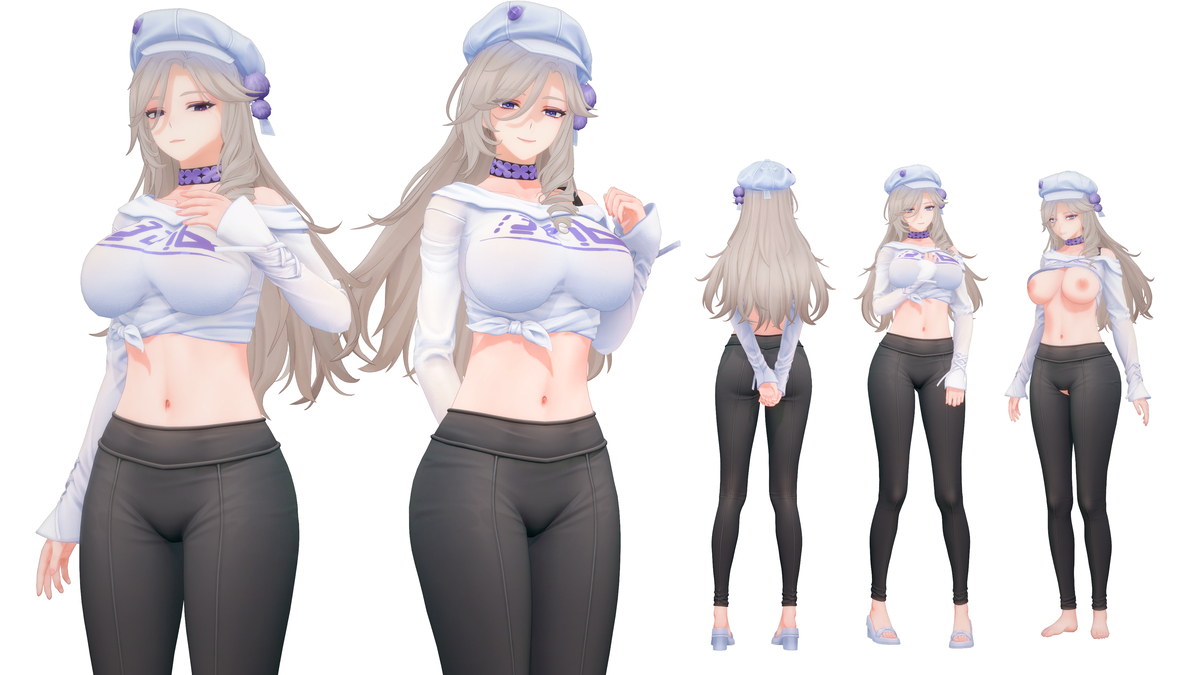
[R-18]さきやち
https://x.com/Mightyniku FULL > https://x.com/Mightyniku/status/1972300346652582336 ----------------------------------------------------www.pixiv.net
Uhh, could someone reupload this? I missed it
The Fix: Select the head mesh and go to the Render Queue property. Ensure that the iris (cf_m_hitomi_00) has a strictly higher number than the eye whites (cf_m_sirome_00). A standard stable setup is setting cf_m_sirome_00 to 3000 and cf_m_hitomi_00 to 3001 (or 3002).![]()
Any idea what's going on? The irises are there if I used that camera tracker when moving around, to hide that white layer covering the irises. I've went around the material editor and changed some render numbers to no avail.
Dang i missed it, mind to reup kind sir?PrPanda 16 https://gofile.io/d/Vq3dic
adding what Fobder listed, as alternative solution u can do below since changing render que on my game usually not work 100% of the time...![]()
Any idea what's going on? The irises are there if I used that camera tracker when moving around, to hide that white layer covering the irises. I've went around the material editor and changed some render numbers to no avail.
on KK this happen because u are missing a plugin "kk.jetpack.dll" idk about KKS tho, maybe the same reason?
This is what I own.Does anyone have all of C_lexx's cards?
Kemono
![]()
kemono.cr
![]()
C_lexxのイラスト・マンガ
Support my work at and the card is here Patreon https://www.patreon.com/CC_lexx
![]()
www.pixiv.net
Thanks, that's very helpful sirI don't have anything beyond number 91Loading…
gofile.io
Ihope it's helpful.
make hitome render queuq higher than sirome![]()
Any idea what's going on? The irises are there if I used that camera tracker when moving around, to hide that white layer covering the irises. I've went around the material editor and changed some render numbers to no avail.
Thank you, I already have this mod, but it's not workadding what Fobder listed, as alternative solution u can do below since changing render que on my game usually not work 100% of the time...
1. check iris tab and assign any eye type from top to bottom panel, on the iris highlight pick any then set the color to 100% transparency and on the iris type choose the smallest iris u can find, i usually pick "x" type not the "empty" type.
2. check the eyes tab material editor, export the hitomi tex if it a custom tex and reset the all the hitomi section.
3. go to iris overlay and put the custom tex on it.
on KK this happen because u are missing a plugin "kk.jetpack.dll" idk about KKS tho, maybe the same reason?
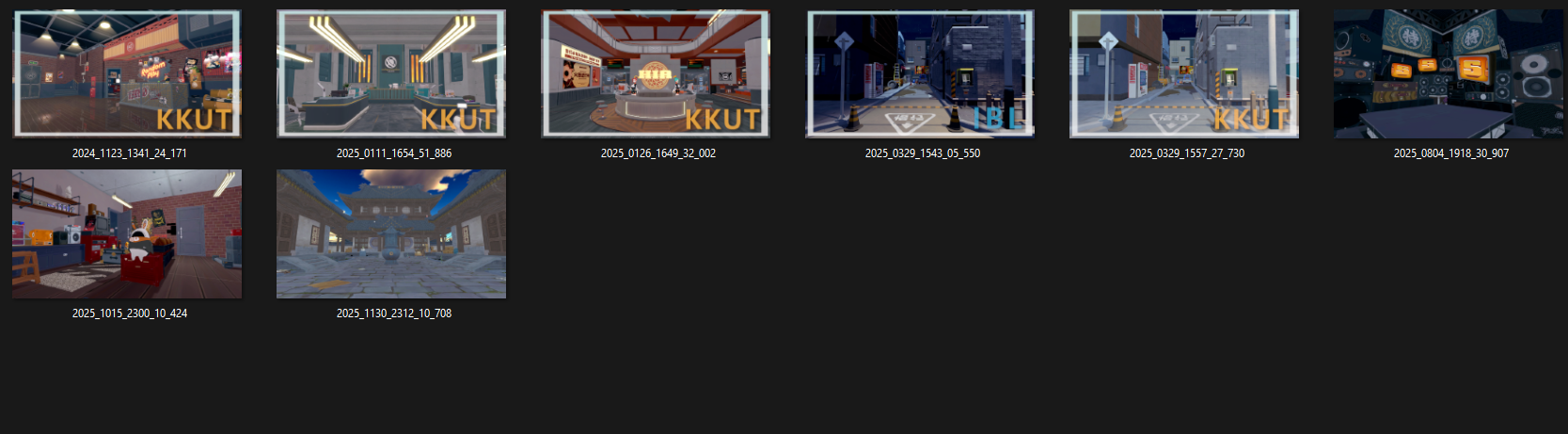
We plan to share all the scenes around April or May, so please stay tuned.
could you reupload
grab it quick before it get atomized.Dang i missed it, mind to reup kind sir?
Here is the full Ctzbi collection.Does anyone have a collection for Ctzbi: https://www.pixiv.net/en/users/66460378/artworks?p=1 mine got corrupted
Thanks so much brotherHere is the full Ctzbi collection.
Including the newly released SD.
Expires in 2 days. enjoy
Loading…
gofile.io
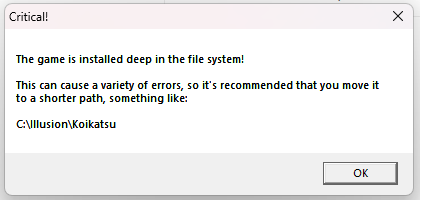
Get an nvme ssd with 2tb dedicated to Koikatsu. Thats my best advice.How many mods do you guys use? I've been installing mods haphazardly and now it takes forever to start up games.